AI Image Editor
Change background, lighting, material or style with your photo as the reference. This is where “Turn this description into an image” lands.
Open the image editorUpload a picture and get plain English you can paste anywhere — for alt text, product listings, notes, or simply understanding what you are looking at. Sign in to analyze an image for 3 credits.
Drop an image here, or click to upload. You can also paste an image here with Ctrl+V.
JPG, PNG, WEBP or HEIC (iPhone photos) · up to 20 MB · min 256 px
Pick the one mode that matches the answer you need. One mode per run.
This description: 3 credits
Anonymous uses are not saved to a history. Sign in to keep your descriptions and use credits instead.
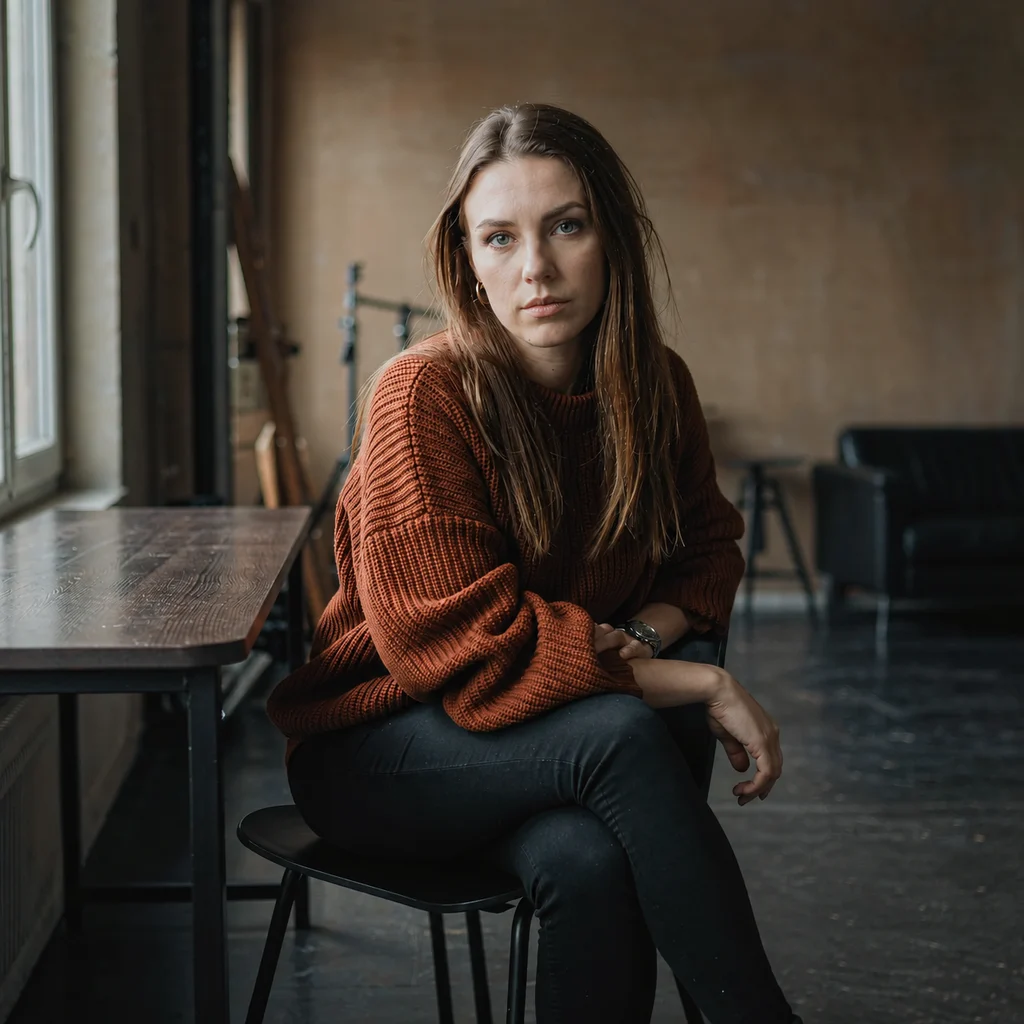
A woman in her early thirties sits sideways to a tall window, shoulders relaxed and hands loosely folded in her lap. She wears a chunky rust-orange knit sweater with a ribbed collar, small gold hoop earrings, and a thin ring on her right index finger. Her dark hair is drawn back on one side, and she looks just past the camera with a level, unhurried expression. Soft daylight from the left leaves the right side of her face in shadow. Nothing about her identity can be read from the photograph.
More ways to work with your images.
Change background, lighting, material or style with your photo as the reference. This is where “Turn this description into an image” lands.
Open the image editor
Turn a picture into structured, model-ready prompt words — complete with parameters for Midjourney, Stable Diffusion and Flux.
Turn it into a reusable promptSix pictures went through the tool above. Every block of text on this page is the description it returned, printed here unedited so you can judge the quality yourself before you upload anything.
A woman in her early thirties sits sideways to a tall window, shoulders relaxed and hands loosely folded in her lap. She wears a chunky rust-orange knit sweater with a ribbed collar, small gold hoop earrings, and a thin ring on her right index finger. Her dark hair is drawn back on one side, and she looks just past the camera with a level, unhurried expression. Soft daylight from the left leaves the right side of her face in shadow. Nothing about her identity can be read from the photograph.
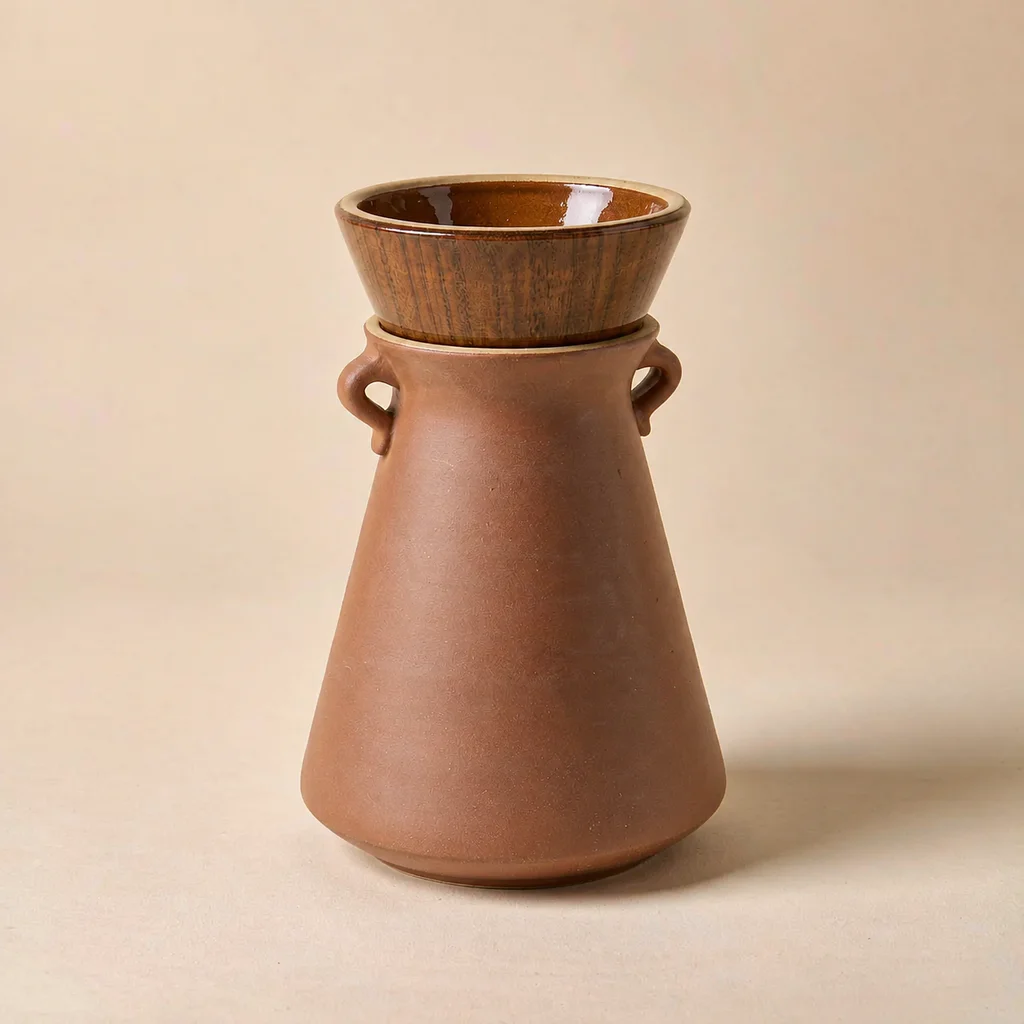
1. Matte terracotta pour-over carafe with a slim curved spout 2. Pale wooden collar around the neck 3. Small turned wooden knob on the lid 4. Seamless off-white paper backdrop sweeping into the base 5. Soft elliptical shadow under the carafe 6. Faint warm highlight along the left shoulder of the body
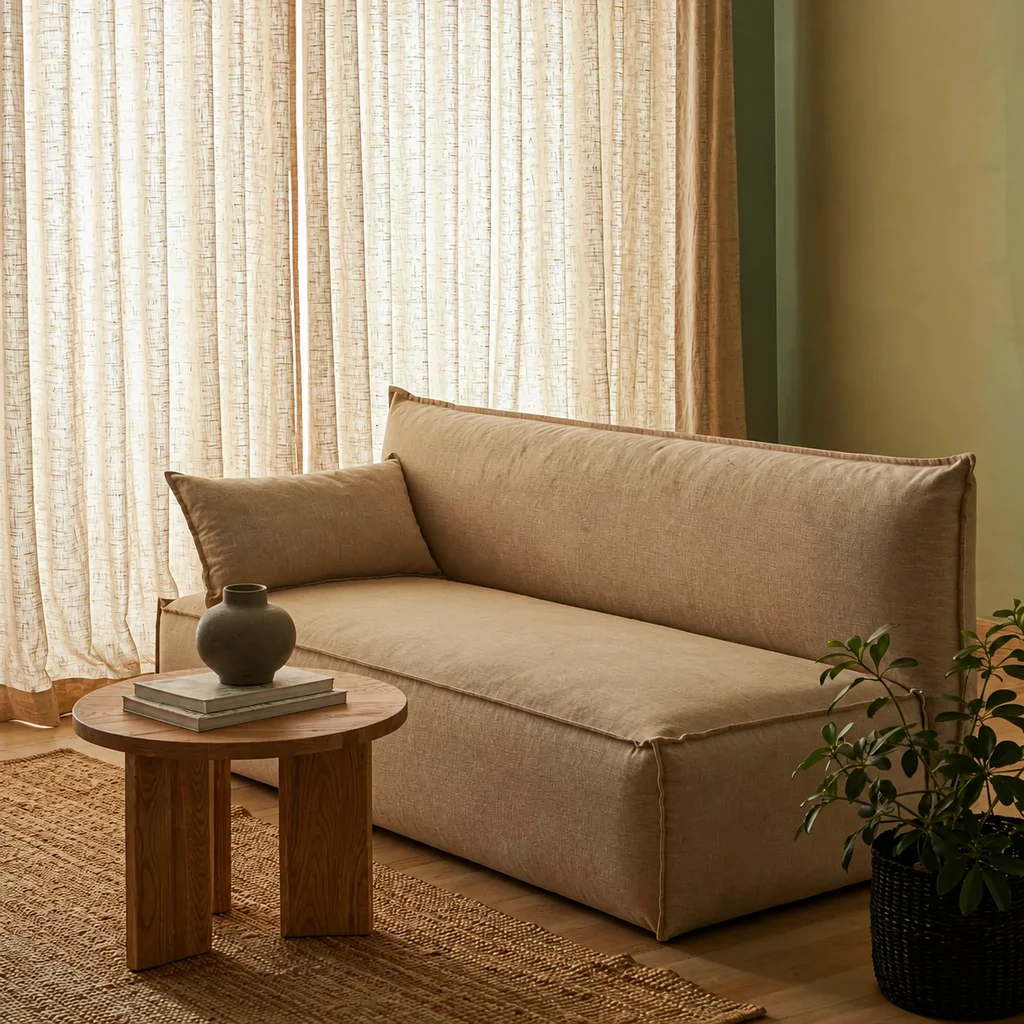
Alt text: Living room with a sage green wall, an oatmeal linen sofa, a pale oak table holding books and a vase, and a potted plant in the corner. Caption: A calm living room in sage green and warm neutrals, lit softly through linen curtains. Keywords: living room, sage green wall, linen sofa, oak coffee table, jute rug, houseplant
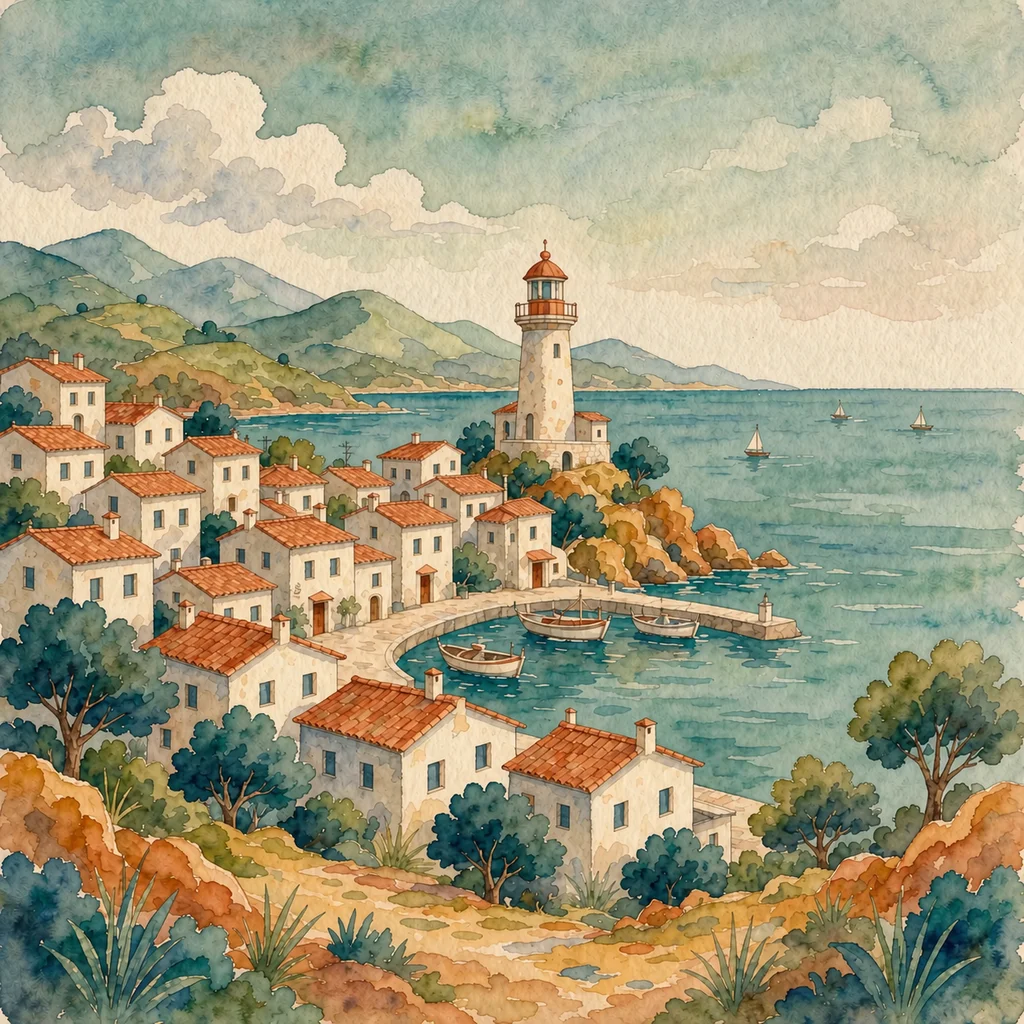
The image is a gouache and watercolour illustration with visible paper grain and deliberately uneven edges, closer to a printed picture book than to digital painting. Forms are built from flat layers of muted colour rather than gradients, in a limited palette of teal, ochre, terracotta and off-white. Buildings are simplified into geometric blocks with hand-drawn outlines, and the sea is reduced to horizontal bands. Light comes from the left and casts almost no shadow. The village sits on the lower third while a lighthouse holds a vertical axis on the right, leaving two thirds of open sky. The mood is calm, nostalgic and slightly folk-art.
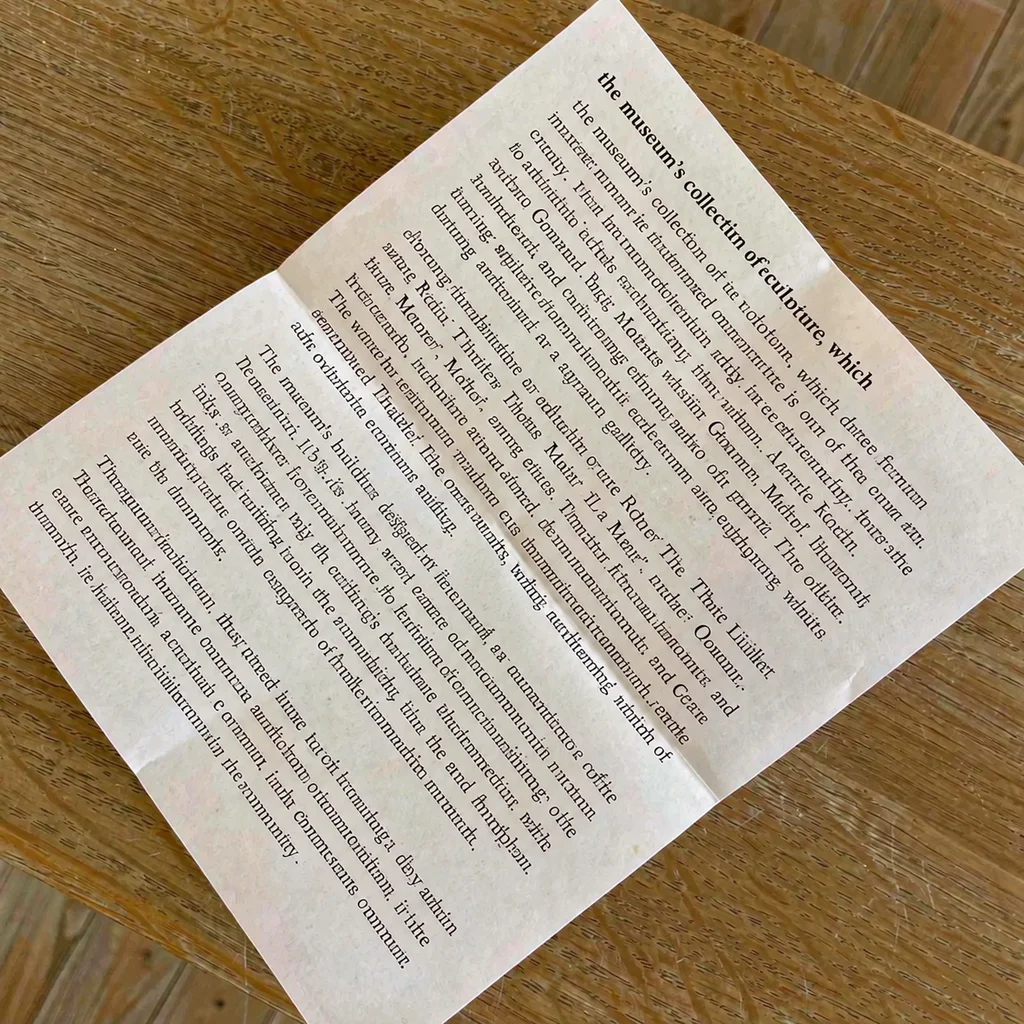
A QUIET ROOM This gallery takes its name from the hours just before closing, when the light drops and the rooms empty. The works shown here were all made within five miles of the building between 1978 and 1984, most of them by people who never exhibited again. Labels give dates where they are known and leave them blank where they are not. Please ask at the desk for the printed room notes.
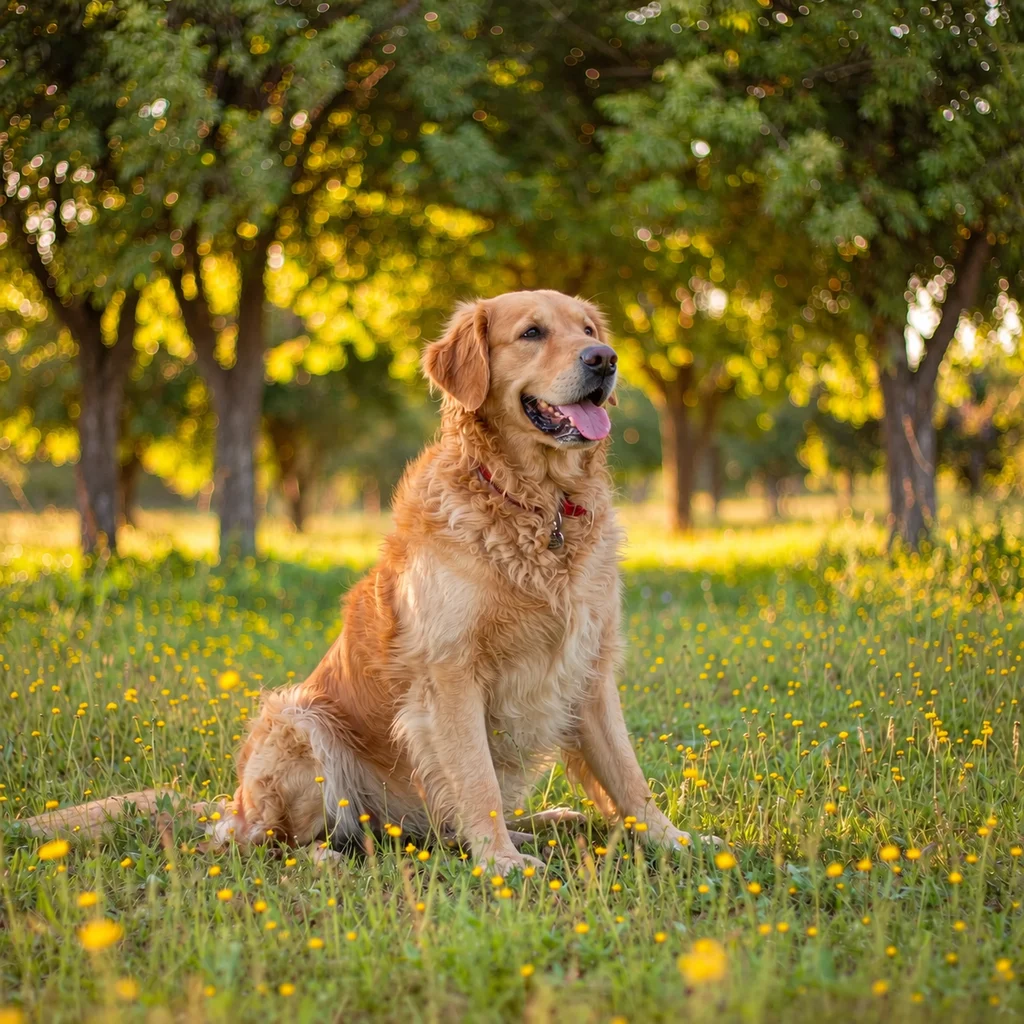
Yes. The dog is wearing a red fabric collar with a small metal tag hanging from a ring at the front of it. No lead is attached, and no writing on the tag is legible at this size.
No prompt to write, no settings to configure. Three steps and you have copy-pasteable text.
Drop a file onto the panel, click upload, press Ctrl+V to paste a screenshot straight from your clipboard, or paste a direct image URL. JPG, PNG, WEBP and HEIC are accepted up to 20 MB, with both sides at least 256 pixels. iPhone photos work as HEIC — they are converted in your browser before anything is uploaded.
Choose the mode that matches what you need. Set the length to Short, Balanced or Detailed depending on whether you need one line, a paragraph, or something closer to a caption brief. Nothing is charged until a valid result comes back.
Copy any single block with its own button, or copy everything at once. Trim a sentence directly in the box if the wording is almost right. When the description itself is interesting, press “Turn this description into an image” to carry both picture and text into the ImgRemix image editor and see what it becomes.
A description is rarely the final deliverable. These are the five jobs it usually feeds into.
Run Alt Text & Captions once per image, paste it into your CMS alt field, and you have met WCAG 2.1 Success Criterion 1.1.1.
Recognize Objects writes the spec block, Ask a Question fills in material and finish — draft listings from a folder of supplier photos.
Every upload gets searchable text before anyone opens the image; the final call stays with a human.
Described diagrams and slides become notes you can search, listen to on a commute, or read in braille.
Extract Text turns screenshots, receipts and locked PDF slides into characters you can paste anywhere.
It is a vision-language model connected to a simple interface: you upload a picture, it returns English text about what is visible. The useful part is not the raw capability — plenty of models can do this — but having it packaged so the output lands in the right shape. Instead of one generic paragraph every time, you pick the shape you need: a description, a one-line summary, an object list, a text transcription, a style analysis, alt text with a caption, or a direct answer to a question you typed in.
For well-lit pictures with a clear subject, the objects, setting, colours, materials and spatial relationships are reliably described, and prose of four to eight sentences usually needs no correction beyond emphasis. Where accuracy drops off is predictable: exact counts in crowded frames, small text, anything behind glass or in a reflection, heavy filters, and identifying a specific real person. Anything that will be published, billed or relied upon should get a human read before it goes out.
JPG, PNG and WEBP up to 20 MB, with both sides at least 256 pixels. HEIC files straight from an iPhone are accepted too and converted to JPEG inside your browser before upload — the picture itself never leaves your device during that conversion. Animated PNG and animated WEBP are rejected because there is more than one frame to choose from.
Use Length below the modes. Short keeps every answer to one compact sentence, Balanced gives two to four sentences, and Detailed writes five to eight sentences covering setting, materials, colour, light and spatial relationships. Length applies to whichever mode you pick.
Yes. Select Ask a Question, type up to 200 characters in the box underneath — how many windows are in this room, is there something in the dog's mouth, what colour is the car — and you get a plain answer drawn from the picture. If the frame does not contain enough information, the answer says what is missing rather than inventing something.
Yes. Extract Text transcribes whatever is legible in the frame — screenshots, receipts, signage, slides, menus, name badges, documents — keeping the original language and line breaks intact, so it works for Chinese, Spanish or German sources and can be pasted straight into a translator. Text needs to be reasonably sharp; anything below roughly twenty pixels in height tends to come back as gibberish or get skipped.
Both. Alt Text and Captions is built exactly for accessibility: alt text under 125 characters written to be read aloud, a caption of twenty words or fewer, and three to six lowercase keywords. For listings, run Recognize Objects together with Ask a Question — one gives you the prose for the description field, the other the itemised list for the specification block. Check any claim about material, origin, safety or compliance yourself before publishing.
Your source image and description are saved to your account history so you can reopen them together. Sign in to access your history.
Different output for a different job. This page writes for people — complete sentences you can paste into alt text, a product description or a caption. An image to prompt tool writes for models: compact tags, weighted terms and parameters such as aspect ratio and stylize value, intended to be fed into Midjourney, Stable Diffusion or Flux to generate something new. If you have finished describing the picture and now want to turn those words into a reusable prompt, open the image to prompt tool and start there.
Each description costs 3 credits and requires an account. Failed or timed-out requests are refunded.
Upload a picture to explore its details, write a caption or get an answer to your question.
Describe an image