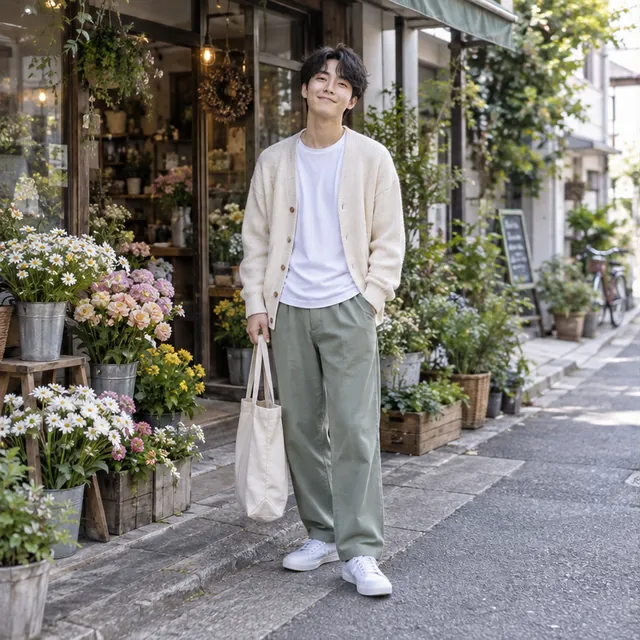
 Before
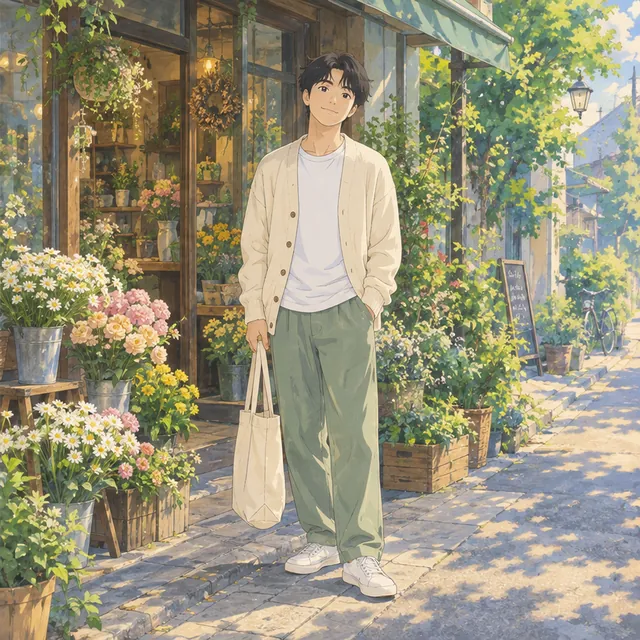 After
AfterPortrait
Photo to Anime
The same person, pose, and flower shop, redrawn as a warm anime scene.
“Turn this full-body lifestyle photo into a warm hand-painted anime scene.”
Upload an image, describe what you want to change, and remix it into a new style with AI.
JPG, PNG or WEBP · up to 20 MB · min 256 px
This generation: 20 credits
 BeforeAfter
The same person, pose, and flower shop, redrawn as a warm anime scene.
“Turn this full-body lifestyle photo into a warm hand-painted anime scene.”
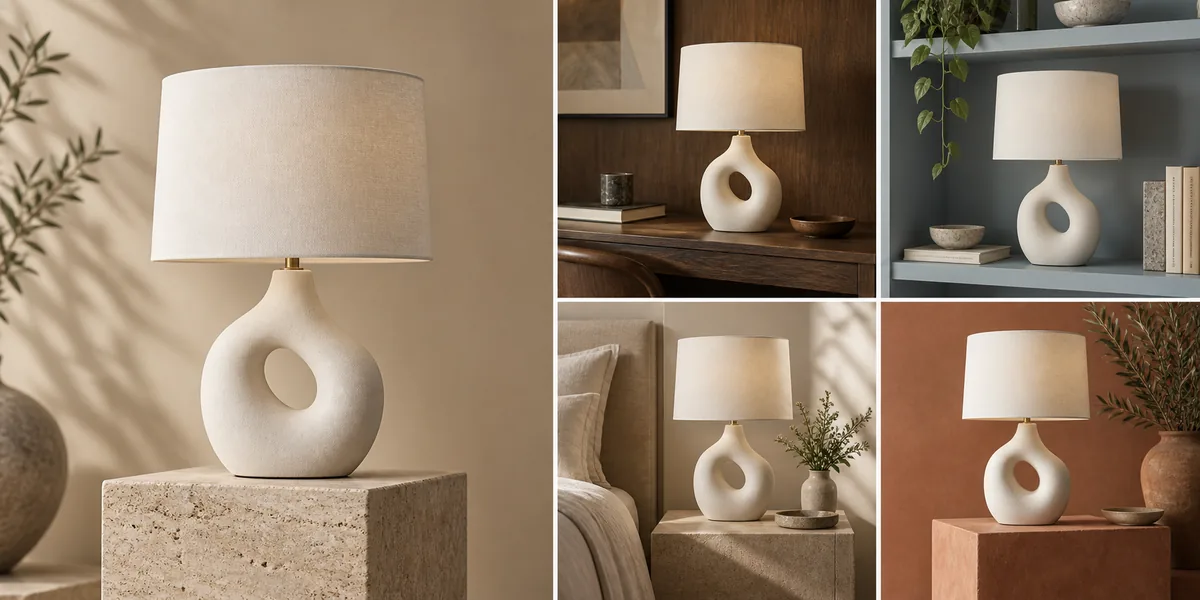
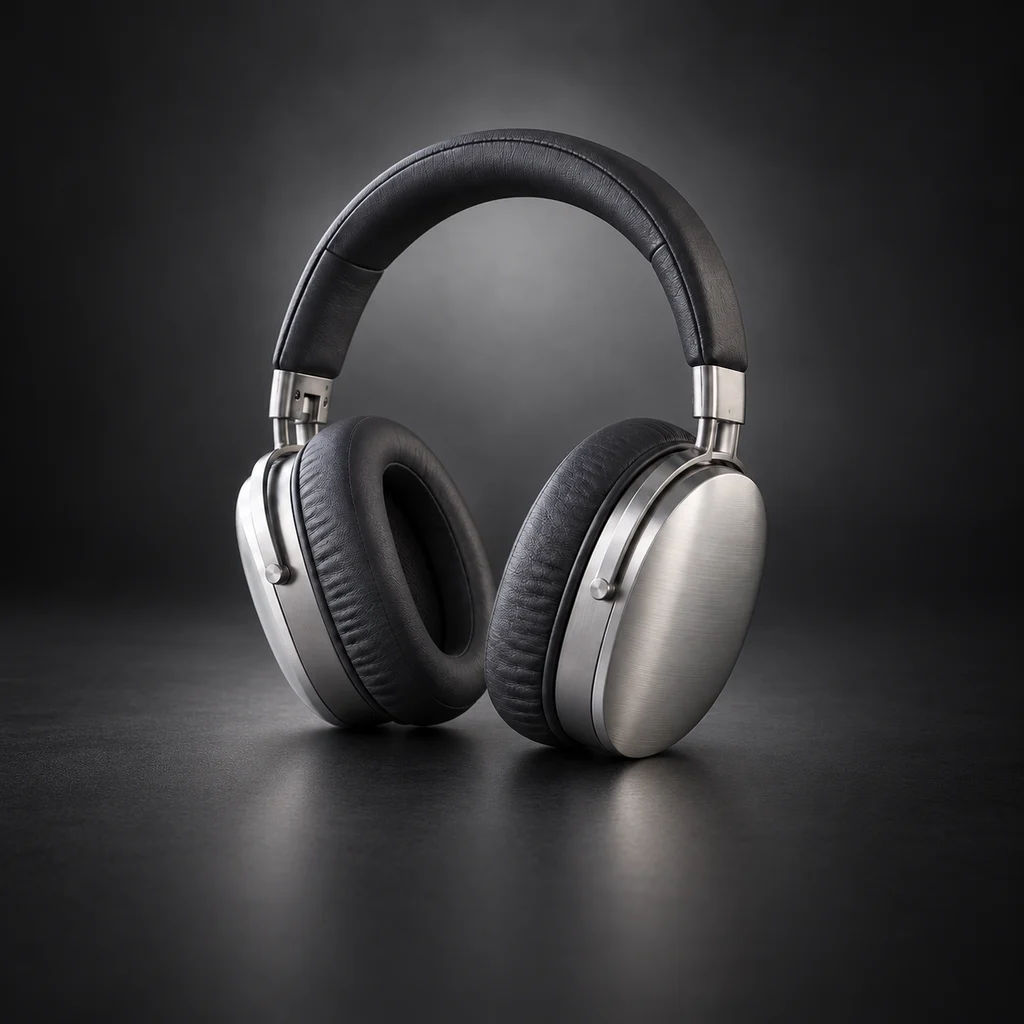
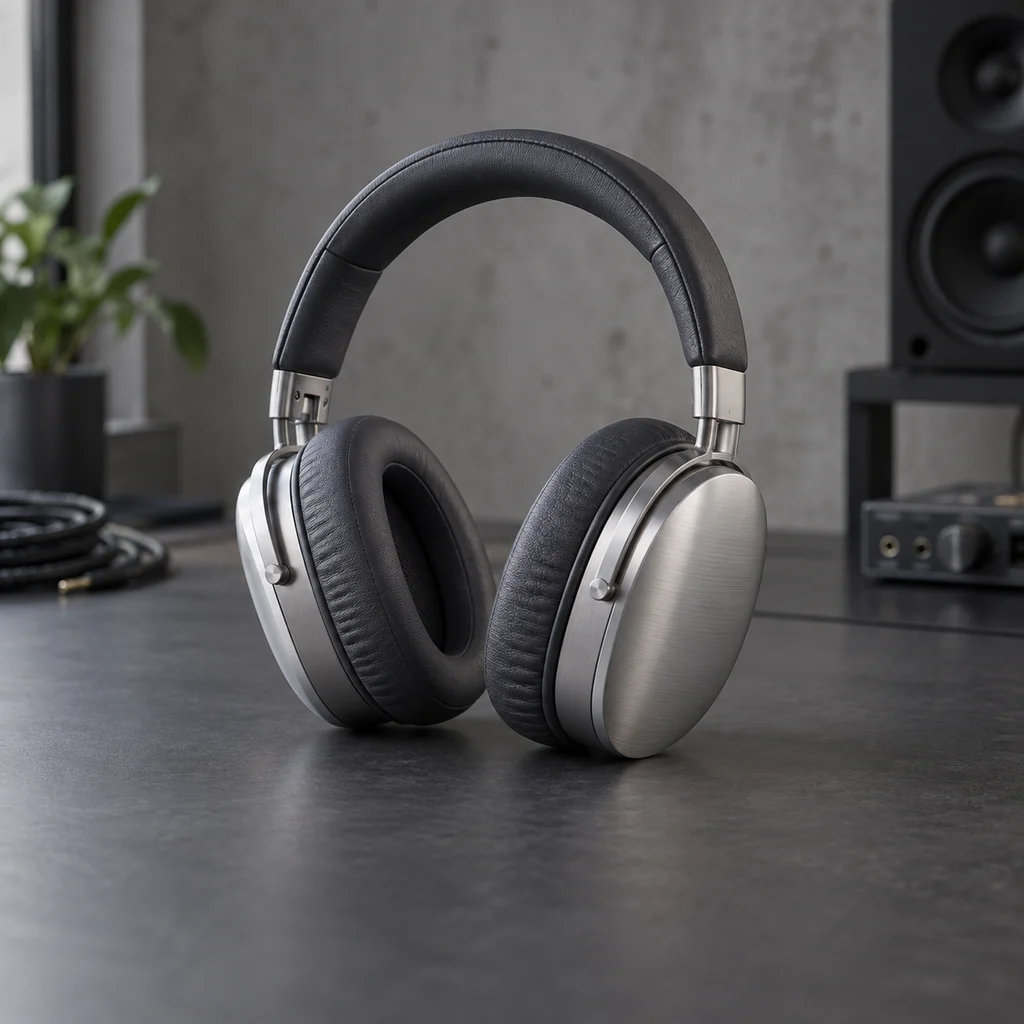
Try a different setting or layout while keeping the product and overall style.
“Use this image as a reference and create a new campaign image with the same product and visual style.”
 Before
 After
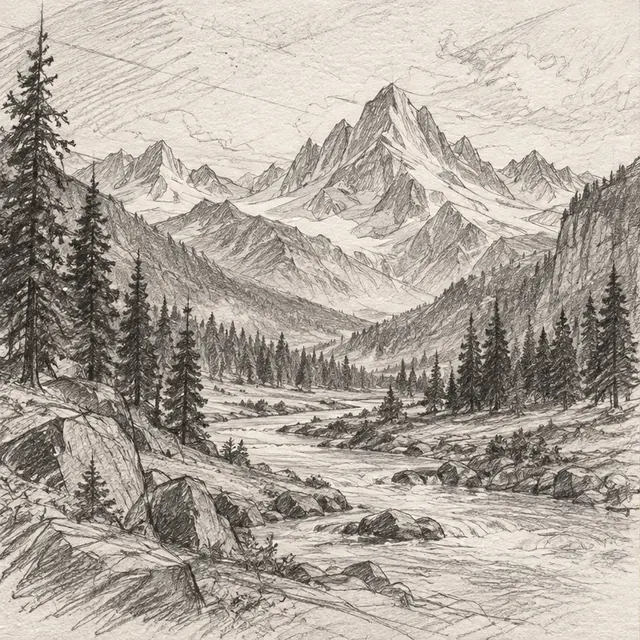
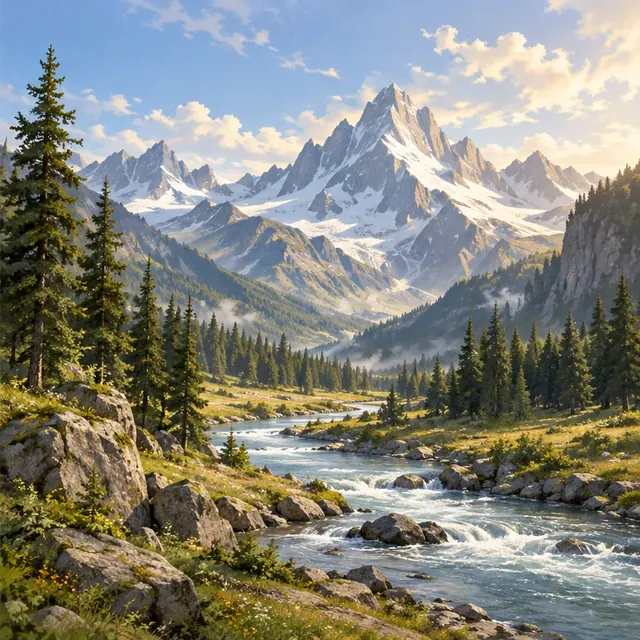
AfterAdd color, light, and detail to a rough sketch without losing the original composition.
“Turn this sketch into a polished, fully rendered illustration.”
 Before
 After
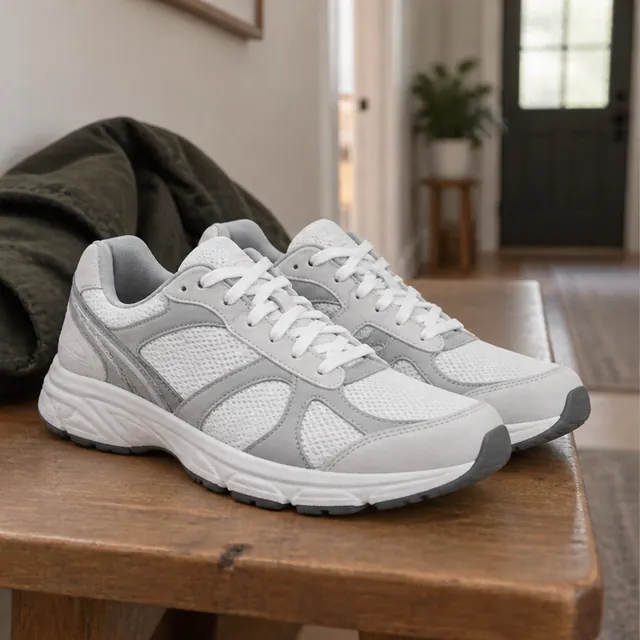
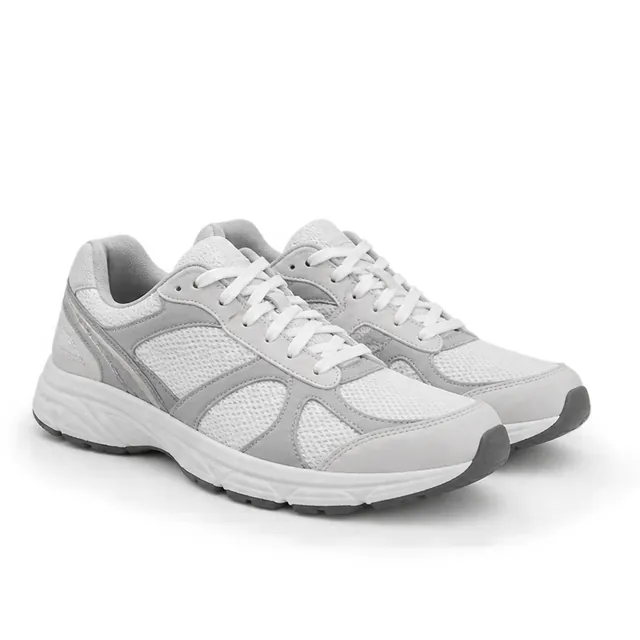
AfterSwap a busy background for plain white and put the focus back on the product.
“Remove the original background and create a clean, pure-white marketplace product image.”
 Before
 After
AfterA casual photo becomes a headshot with softer lighting and a simple background.
“Turn this casual lifestyle photo into a high-quality professional headshot for LinkedIn.”
 Before
 After
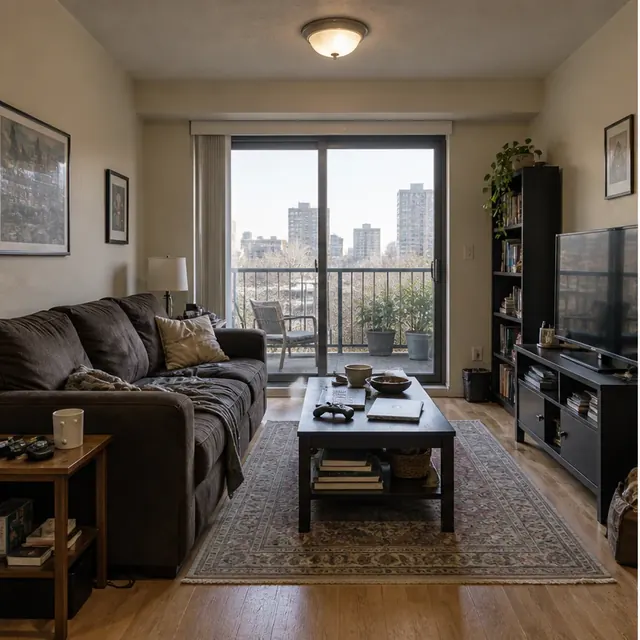
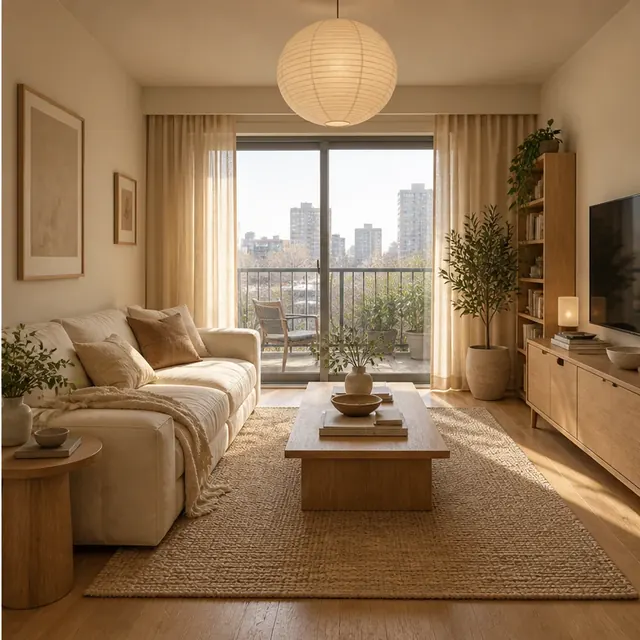
AfterSee how new furniture and warmer materials could look in the same room.
“Redesign this room with warm, minimal furniture and natural light.”
 Before
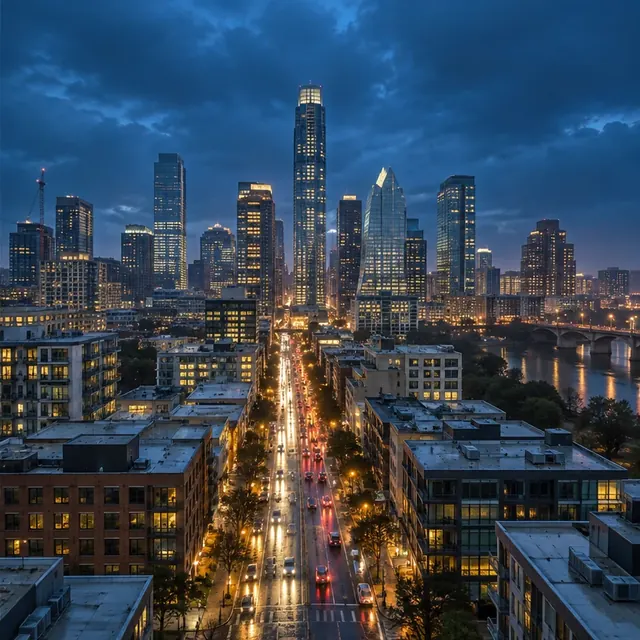 After
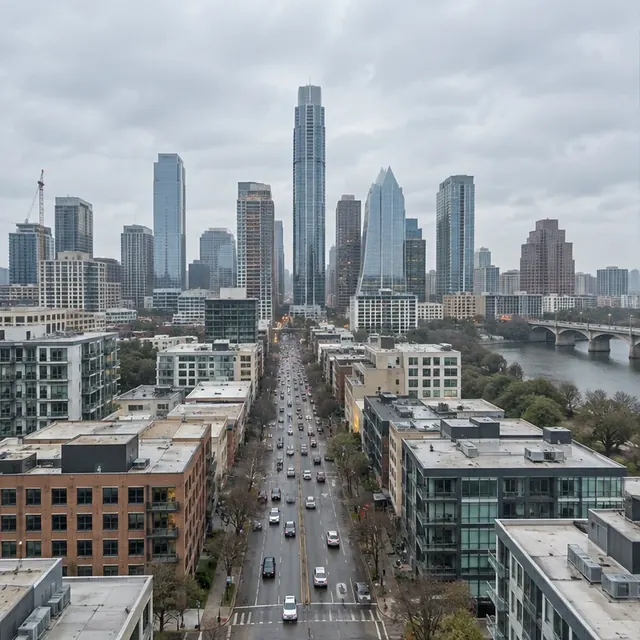
AfterThe same skyline after dark, with blue-hour tones and glowing city lights.
“Re-light this scene with moody, cinematic color grading.”
An image-to-image AI generator turns an existing photo, sketch, or artwork into a new image based on your instructions. Upload your image to ImgRemix, then describe the changes you have in mind.
With text-to-image, you describe the whole scene from scratch. Image-to-image gives the model a visual starting point, so you can focus on changing the style, background, or lighting while asking it to keep details from the original.
Turn a portrait into an illustration, try new furniture in a room, or give a product photo a cleaner background. For more control, tell the model what to keep as well as what to change, such as the person's pose, the product's shape, or the camera angle.
Start with a photo, product shot, artwork, or sketch. Choose a clear image that shows the subject and details you want to keep.
Describe the style, background, or details you want to change, and mention what should stay the same. You can also try an example prompt.
Choose a model and generate your image. Review the result, adjust your prompt if needed, then download the version you like.
You upload an image and describe what you want to change. ImgRemix sends both to a generation model, which produces a new image that keeps the parts of the original you want to preserve and applies the changes you asked for. The model and settings are handled for you, so you don't need to configure anything.
Text-to-image creates an image from a written description alone. Image-to-image starts from an existing image, so the result is anchored to your original's subject and composition. It's the better choice when you already have a visual you want to transform rather than invent from scratch.
You can remix photos, artwork, product images, and sketches. ImgRemix accepts JPG, PNG, and WEBP files up to 20 MB, with a minimum short edge of 256 pixels.
Describe what you want to change in plain language, and be specific about what should stay the same. For example, "Turn this portrait into a soft anime illustration while keeping the same face and pose." You can also start from one of the ready-made templates.
ImgRemix is designed to keep the general content of your image while applying your requested changes, but it cannot guarantee exact identity preservation, especially for real people. For best results, describe the key features you want to keep.
Image generation requires an account. New users receive welcome credits after signing up, so they can try a real remix before choosing a paid plan.
Storage and deletion depend on the active service configuration and generation provider. Review the privacy policy for current details, and only upload images you are comfortable sharing with the service.
Commercial usage depends on the generation model's license and any rights in your original image. ImgRemix does not guarantee that every result is free of third-party rights, so please review the applicable terms before commercial use.
A generation can fail for several reasons, including network issues, a problem with the uploaded image, or a temporary service problem. If a generation fails for reasons outside your control, you can try again without it counting against any usage limits.
No design skills needed. Upload an image and describe the change.
Remix an Image